1DM
Tools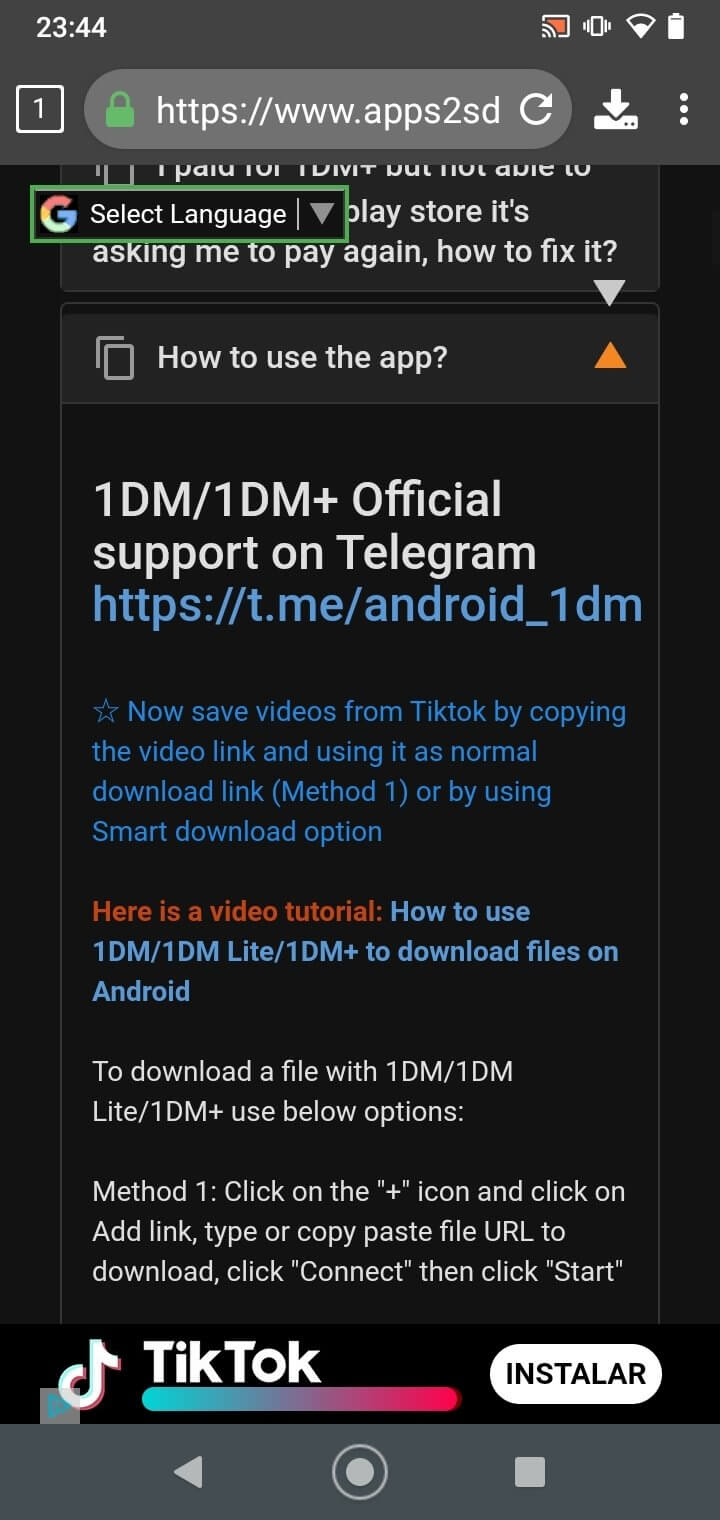
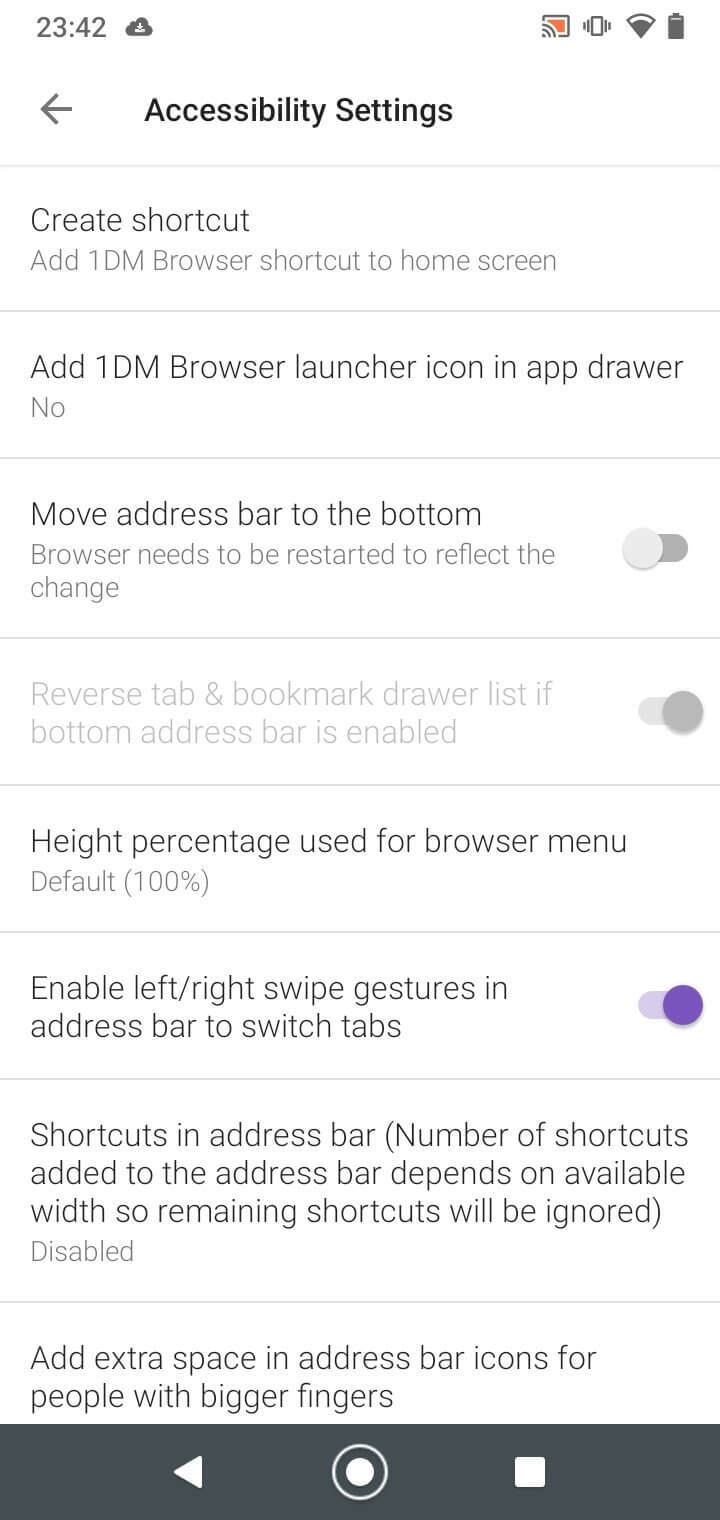
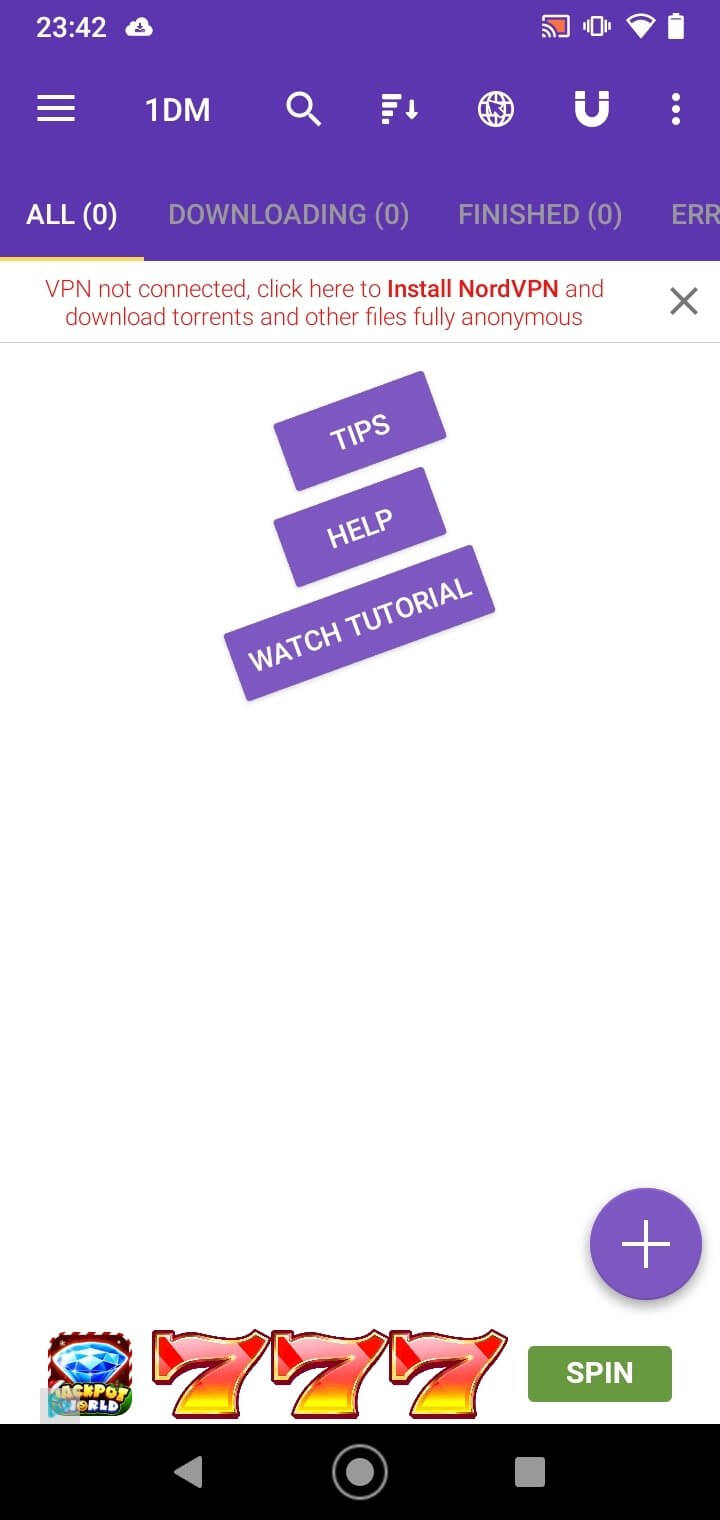
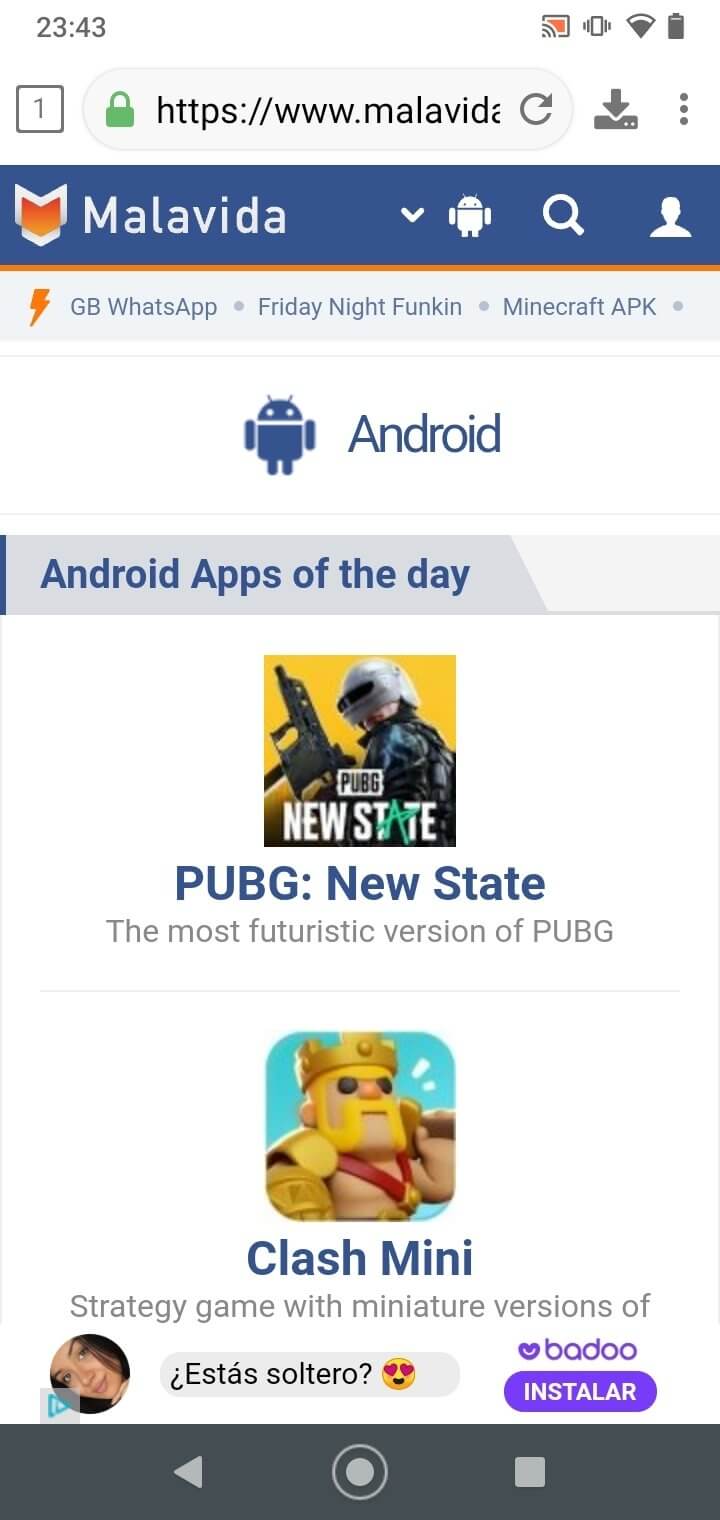

1DM combines a lightweight web browser with a powerful download manager, giving Android users a single tool for fast, ad‑free browsing and file retrieval. The app promises privacy‑focused browsing, built‑in ad blocking, and support for video, music, and torrent downloads.
This page provides the latest version details, installation guide, compatibility notes, and practical advice on using 1DM safely on your device.
Quick Information
| App/Game Name | 1DM |
| Latest Version | 18.2 |
| Developer | Not listed |
| Category | Apps / Tools |
| App Size | 62.25 MB |
| Package Name | idm.internet.download.manager |
| Last Updated | 14 January 2026 |
What Is 1DM?
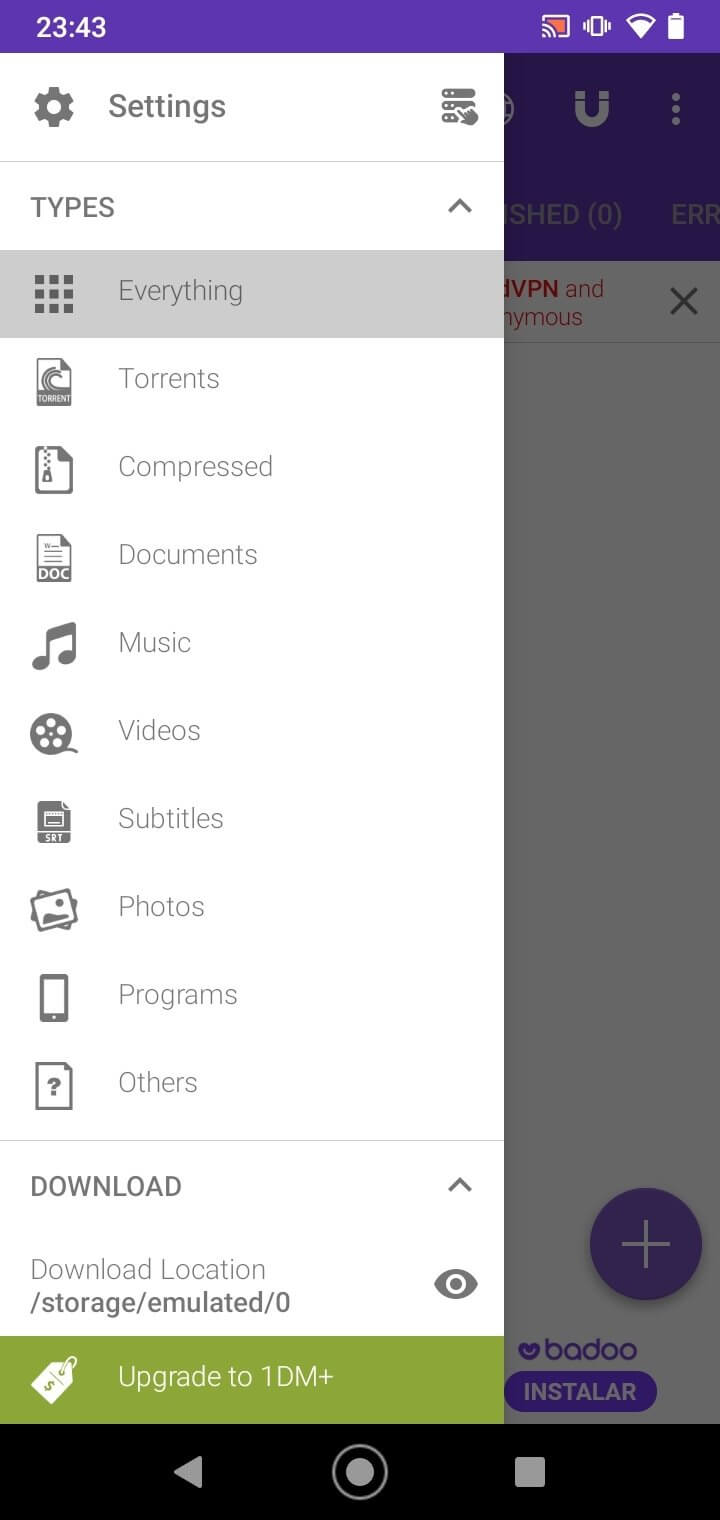
1DM (Internet Download Manager) is a dual‑purpose Android app that acts as both a web browser and a download manager. Its core features include:
- Fast, lightweight browsing with built‑in ad blocking.
- Smart download engine that accelerates file transfers.
- Support for downloading videos, music files, and torrent links directly from the browser.
- Privacy‑oriented design that limits data collection and blocks tracking scripts.
The app targets users who want a single solution for browsing and downloading without the clutter of separate apps or intrusive ads.
How to Install
- Enable Install unknown apps for the file manager or browser you’ll use (Settings → Apps → Special access → Install unknown apps).
- Download the 1DM APK file to your device.
- Tap the downloaded file and follow the on‑screen prompts to install.
- Once installed, open 1DM and grant any requested permissions (storage, network, etc.).
Troubleshooting
- App not installed: Ensure unknown sources are enabled and that the APK is not corrupted. Re‑download if necessary.
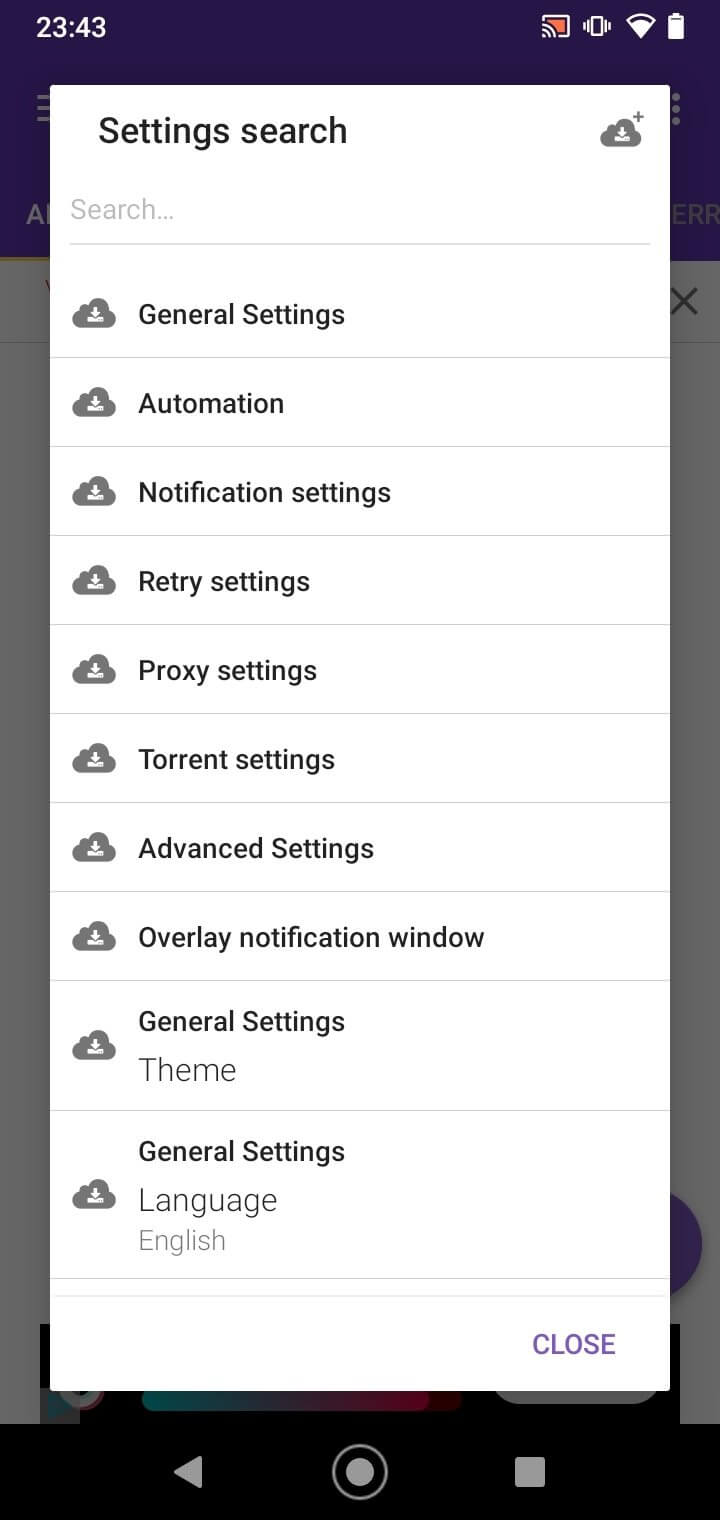
- Crashes on startup: Clear app cache (Settings → Apps → 1DM → Storage → Clear cache) and restart the device.
- Downloads fail or stop: Check that you have sufficient storage space and a stable internet connection. Disable battery‑optimization for 1DM.
- Ad blocker not working: Verify that the app has permission to draw over other apps (Settings → Apps → 1DM → Display over other apps).
Compatibility
| Android Version | ✓ Verified — Android 7+ |
| Architecture (ARM64 / 32-bit) | ✓ Verified — Supports common device architectures |
| Internet Connection | ✓ Verified — May be required for ads, updates, or login |
| Storage Needed | Not Verified |
| OBB/Data Files | Not Verified |
| Root Required | Not Verified |
Safety & Security
Because 1DM is distributed outside the official Play Store, users should obtain the APK from a reputable source and verify its integrity (e.g., compare the file’s hash if provided). Review the permissions the app requests; typical needs include storage access for saving files and network access for browsing and downloading.
While the app includes ad‑blocking and privacy features, avoid entering sensitive personal data (banking credentials, passwords) unless you are confident in the source. Keep the app updated to benefit from security patches and performance improvements.
How 1DM Compares
| Feature | 1DM | Advanced Download Manager (ADM) | Turbo Downloader | Loader Droid |
|---|---|---|---|---|
| Price / Free model | Free with optional in‑app purchases | Free with ads; premium upgrade available | Free with ads; premium upgrade available | Free with ads; premium upgrade available |
| Platform availability | Android only | Android only | Android only | Android only |
| Standout feature | Integrated browser + ad blocker | Highly configurable download scheduler | Very fast multi‑threaded downloads | Simple UI with torrent support |
| Best for | Users who want browsing and downloading in one app | Power users needing fine‑tuned control | Speed‑focused downloaders | Basic downloading and occasional torrent use |
Alternatives
If 1DM doesn’t fit your workflow, consider these well‑known download tools:
- Advanced Download Manager (ADM) – Offers extensive scheduling, queue management, and support for large files.
- Turbo Downloader – Prioritises maximum download speed with multi‑threaded technology.
- Loader Droid – Provides a clean interface, torrent handling, and background downloading.
- Free Download Manager – Open‑source solution with browser integration and BitTorrent support.
Final Verdict
1DM is a solid choice for Android users who want a combined browsing and downloading experience without ads. Its built‑in ad blocker and privacy focus add value, though the app’s feature set is less granular than dedicated managers like ADM. Verify the APK source, grant only necessary permissions, and keep the app updated for the best balance of speed, convenience, and security.
Frequently Asked Questions
Download the APK from a trusted source, check its hash if provided, and review the permissions it requests before installing.
Yes, the built‑in browser lets you capture video and audio links for direct downloading.
The app includes an integrated ad blocker, so most ads are blocked during use.
The latest version (18.2) is compatible with Android 5.0 (Lollipop) and newer, but check the compatibility table for exact details.
No, 1DM works on standard, non‑rooted devices; root is only required for advanced system‑level tweaks.
Download the latest APK from the same trusted source and install it over the existing version; the app will retain its settings.
The app itself is about 62 MB; downloaded files are stored in your chosen folder, so storage use depends on the size of the files you save.
The app is free with optional in‑app purchases; any premium features are unlocked via those purchases.